
Extract multiple icons from one image automatically
Get individual icons from your image. Preview transparent backgrounds, clean up unwanted edges with Repair, and choose what to download. See the complete workflow on the six-icon example below.
Sign in to process 3 images per day free, including examples. Download one PNG per sheet, up to 512px. Complete sets and other formats require Pro or Lifetime.
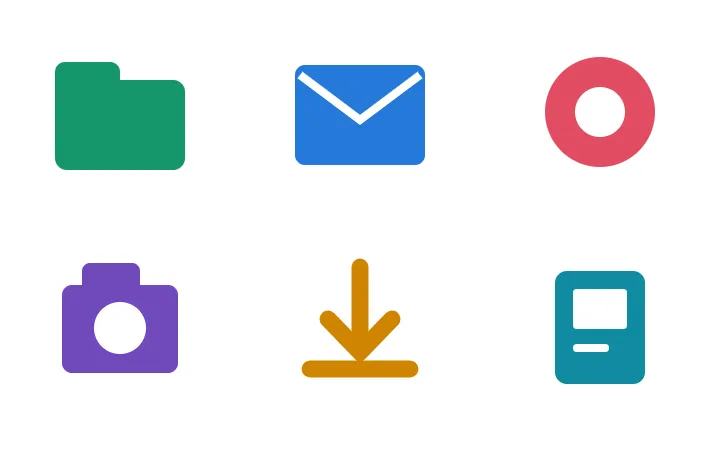
Six icons detected. Six separate PNGs.
This geometric sheet was made for this example. With Precision detection, the current browser workflow finds all six regions without adding or deleting selections. The previews below are generated by that workflow.
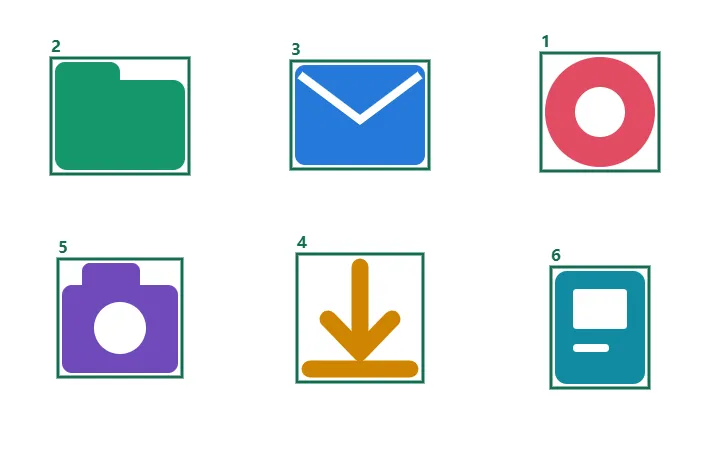
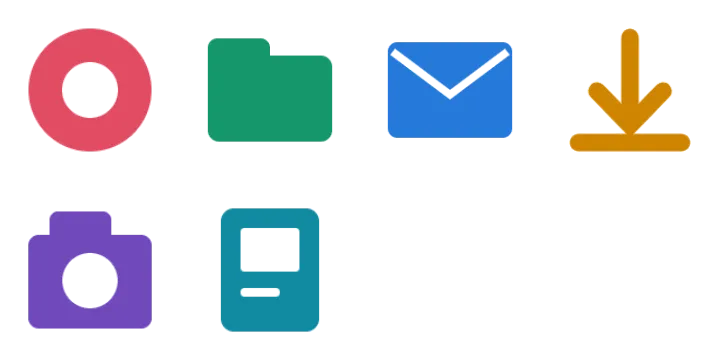


Local test: September 7, 2026. Precision mode, default extraction settings. Test measurements. This result applies to this source, not every image.
Inspect an edge before applying Repair
The extracted mail icon is already usable. This optional comparison shows what Edge shrink: 1px changes: it moves the boundary inward. Other Repair adjustments are off. Enlarged previews make the small change easier to inspect; more shrink can remove fine details.


Download the repaired PNG. Review on both light and dark backgrounds in Repair before applying changes to the set.
When two icons become one selection
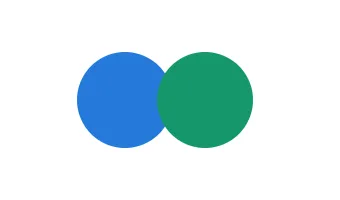
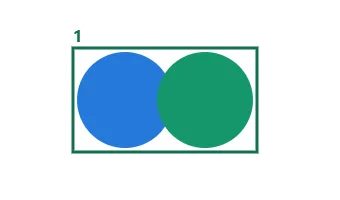
Use manual selection for exact crop regions, or regenerate the source with a clear gap. Cropping cannot reconstruct artwork hidden by an overlapping icon. Uneven backgrounds and soft shadows also need close review.
Seeing a stray fragment instead of two whole shapes? Diagnose why an icon crop includes its neighbor before adjusting the selection.
Try a result before exporting the set
Free accounts can process 3 images per day and download one PNG sample per sheet, up to 512px. Pro and Lifetime unlock the complete set, ZIP, WebP, SVG, original-size and multi-size exports. Compare plans.
The downloadable files on this page are fixed demonstration assets. They do not change the export allowance for your own images.