Turn one AI-generated asset board into separate icon files
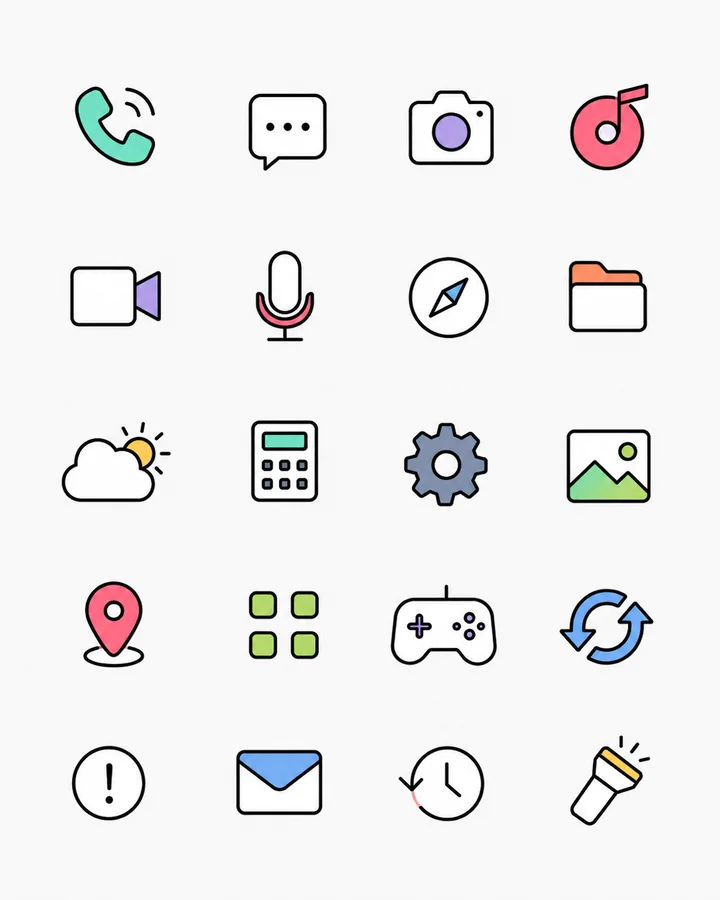
Generated a whole icon sheet? Turn it into individual assets you can actually use. Detect the icons, inspect their edges, and choose what to keep. Follow the 20-icon example below, including its unretouched results and limitations.
Sign in to process 3 images per day free, including examples. Free PNG exports are up to 512px; your available allowance is shown after sign-in. Need more? A $1.99 pass unlocks 24 continuous hours, with no auto-renewal. See free and paid export options.
What this board actually produces
| Check | Measured result |
|---|---|
| Expected artwork | 20 icons in the source |
| Precision detections | 20 regions |
| Selections added or deleted for this preview | 0 |
| Extra Repair applied to the result grid | None; inspect the original extracted edges below |
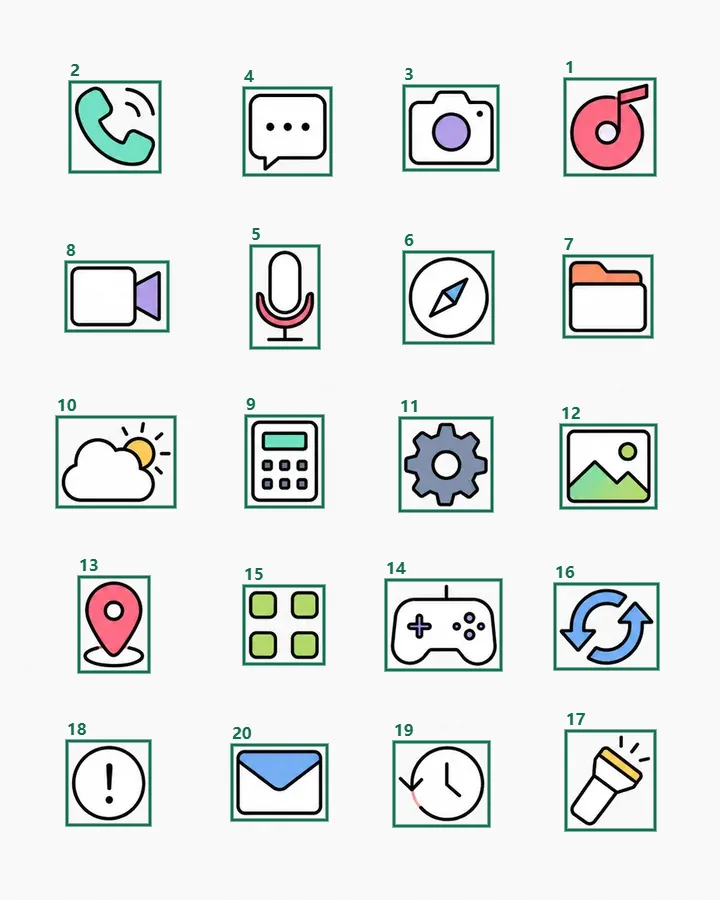
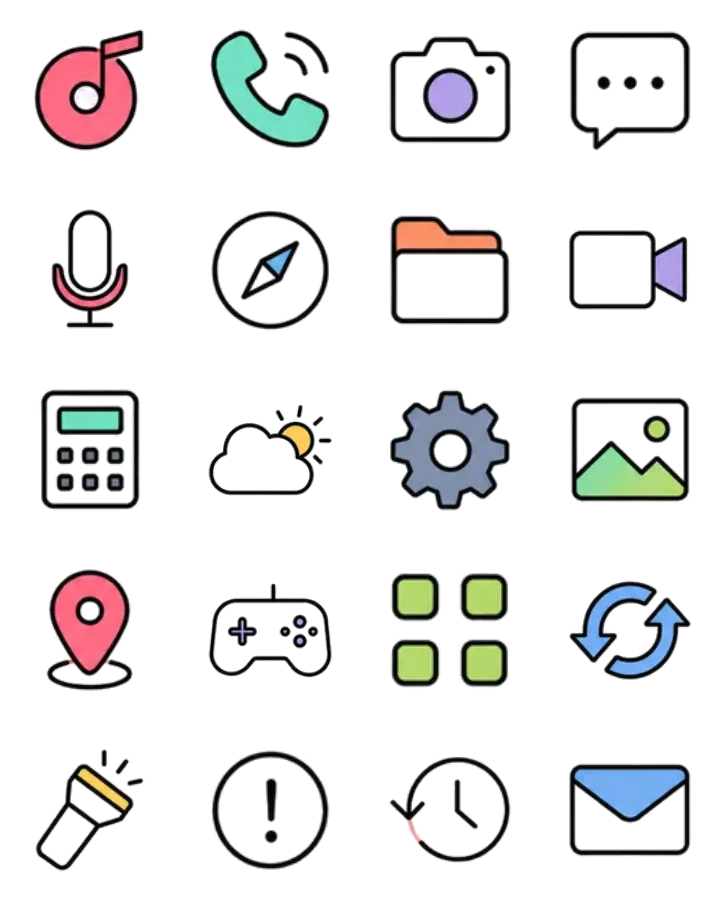

Retested September 7, 2026 using Precision mode and default extraction settings. Measured bounds and counts. The original generation prompt was not retained.
Three details to review before delivery
- Detached marks: check the phone signal, location-pin base, and flashlight rays remain with the intended icon.
- White interiors: compare the camera and envelope on light and dark backgrounds. Interior cleanup may remove background-colored pixels that you wanted to keep.
- Open outlines: the history icon already has a small gap in its source outline. Background cleanup cannot redraw missing artwork.
No manual selection changes were needed for the displayed count. Treat Repair as an individual decision; applying one strong setting to every icon can lose useful details.
Prepare the board for a clean split
Ask your image generator for separated icons on one flat background, with a visible gap around each silhouette. Avoid text labels, overlapping objects, and shadows that join neighboring icons. Keep the original image instead of a compressed screenshot.
If the source still has touching artwork, select regions manually. If you only need to learn the detection and Repair controls, start with the six-icon extraction example.
Give the set a consistent delivery format
Review the result order, rename individual files to match their purpose, and choose a base size and padding. PNG and WebP preserve the repaired raster appearance; SVG reconstructs shapes and can approximate gradients or textures.
Sign in to process 3 images per day, including examples. During the current free-export trial, eligible accounts can download up to 10 individual PNG icons per day across their images and one complete image as a PNG ZIP per calendar month. The ZIP can contain every icon in that image and does not use the daily single-PNG allowance. Both are limited to a 512px longest edge; daily and monthly periods reset at 00:00 UTC.
Accounts outside the trial can download one PNG sample per image, up to 512px. Check the allowance shown after sign-in before exporting; the expanded allowance is not available to every account.
For a larger delivery, the $1.99 24-hour pass includes unlimited image processing and PNG, WebP, SVG and ZIP exports, with original-size and multi-size options. Access lasts 24 continuous hours from completed payment. One-time payment. No auto-renewal. Your free allowance resumes when it expires. Pro monthly and Lifetime are also available.
Compare the $1.99 pass and other plans
See the ZIP file list and padding example before exporting a complete set.
Starting from a generation brief? Follow the AI image extraction walkthrough for preparation, selection review and delivery decisions.
Working from a complete website design rather than an icon sheet? Use the website mockup asset workflow: text, containers and illustrations need a different selection review.