
Prepare Extracted Icon Assets for a Developer Handoff
Turn extracted icons into a clear handoff: agree on formats, distinguish canvas size from artwork bounds, rename files, and check a ZIP before delivery.
A folder full of files named icon_01.png is not a complete developer handoff. The recipient also needs to know which icon serves which role, how large to display it, and whether the file is a raster reference or a reconstructed vector. Agree on these decisions before generating many variants.
1. Agree on the intended use and format
Ask where the icons will appear and what display sizes are needed. PNG and WebP preserve the repaired raster result. SVG rebuilds shapes and may change gradients, textures or small details; inspect it against a PNG reference. Do not describe a reconstructed SVG as the original source vector.
Keep the initial package small: one agreed format and size per role, with additional density variants only when the consuming interface needs them. For a 24-pixel display slot, a 48-pixel raster can serve a 2x workflow, but the source must contain enough detail. A larger export by itself is not a quality improvement.
2. Separate canvas dimensions from visible artwork
IconSplit's base output size controls the longest edge. A 128px base does not make a wide envelope and a round ring both 128 × 128. Padding also changes how much of the canvas the artwork occupies. Check width and height in the exported files, and agree whether the application will place them inside a fixed display box.
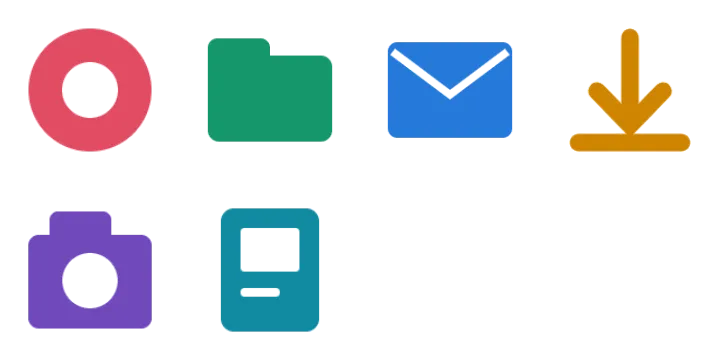
The six-icon ZIP case records actual output dimensions at a 128px base with 10% padding. It is useful for understanding the export settings, not a universal size specification for your product.
3. Name the icons before packaging them
Use a stable name for the role, then add only agreed distinctions such as state or density. For example, navigation-home.png is more useful than icon_07.png. Rename each file in the current tool; it does not provide an automatic bulk naming template. Avoid filenames that imply unsupported interaction states.
Example delivery convention — adapt to your project:
navigation-home.png
action-download.png
message-inbox.png
README.txt  (write separately)
In a separate delivery note, record intended display size, format, padding, and any icons needing review. This README is a suggested handoff document, not a file the tool automatically writes for you.
4. Inspect the archive as the recipient will
Open the ZIP, count image files, check for duplicate names, and preview a wide, a tall and a round icon on light and dark backgrounds. Confirm the archive contains the selected set rather than every detected fragment. A dimensions check alone will not catch clipped artwork or lost white interiors.
- Verify paths and filenames used by the interface match the delivered files.
- Check icons at the actual display size and across intended backgrounds.
- Review SVG geometry against the raster reference if vector export is included.
- Keep a copy of the source sheet and note any manual corrections.
Inspect the fixed six-icon example ZIP. Its included manifest documents that example's names, dimensions and settings; it is not a specification that every project should copy. For your own sheet, start with extraction, then check vector quality if SVG is part of the handoff.
Free previews and paid delivery
Sign in to process 3 images per day, including examples. Free PNG exports have a maximum longest edge of 512px. Eligible accounts in the current trial receive 10 individual PNG icons per UTC day and one complete image as a PNG ZIP per UTC calendar month. The ZIP allowance is separate from individual PNG downloads. Other free accounts receive one PNG sample per image; check the allowance shown after sign-in.
The $1.99 24-hour pass includes unlimited image processing and PNG, WebP, SVG, ZIP, original-size and multi-size exports for 24 continuous hours from completed payment. One-time payment. No auto-renewal. The free allowance resumes at expiry. Compare the pass, Pro and Lifetime.