Detect before vectorizing
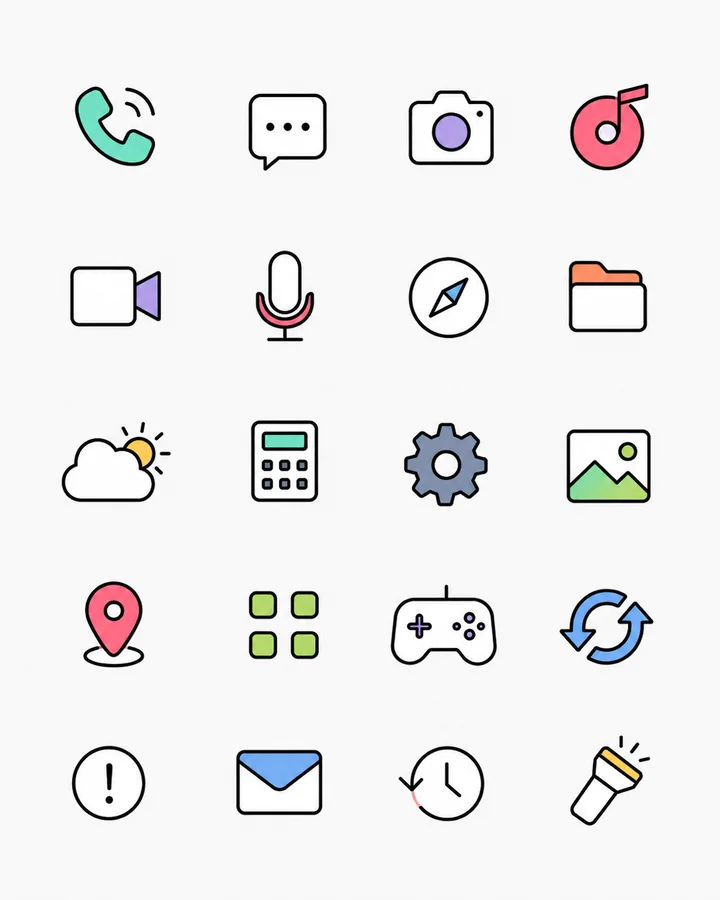
One upload can contain many icons with different sizes and uneven spacing. IconSplit separates them before SVG conversion.
Upload an icon sheet, AI-generated asset board, or design screenshot. Unlike a whole-image converter, IconSplit detects multiple icons first, lets you repair each result independently, then exports selected icons as separate scalable SVG files.
Drag the handle to inspect the same extracted icon as enlarged PNG pixels and as SVG generated by IconSplit's local vector engine.


Actual PNG and SVG pairs exported from IconSplit. No embedded PNG and no manually redrawn paths.
One upload can contain many icons with different sizes and uneven spacing. IconSplit separates them before SVG conversion.
Remove background residue, inspect transparent holes, and fix noisy edges before rebuilding the vector geometry.
Each result becomes its own scalable file instead of one SVG containing the entire uploaded board.
Compact produces fewer paths and smaller files for simple icons. Balanced targets a practical detail-to-size tradeoff. Detailed preserves more small shapes and color variations. Custom exposes tracing controls when a source needs closer tuning.
Raster color regions are reconstructed as shapes with editable fills rather than embedding the original PNG.
Vector curves replace pixel stair-steps so the output can remain sharp when scaled.
Complex gradients, shadows, glass effects, and textures may be simplified into vector color regions.
Use Vector smoothing when you want cleaner PNG or WebP edges while preserving the original raster colors, gradients, and textures. Choose SVG when scalable, editable vector geometry matters more than an exact raster match.
IconSplit runs SVG tracing locally in the browser. The vector model uses filled paths, fitted curves, color-region controls, and cut-out geometry for enclosed holes. Read the visual icon vectorization guide for a closer look at the output.
The PNG-to-SVG walkthrough includes a source PNG, the actual exported SVG and recorded settings. Then use the SVG quality checklist before handoff.