
Best with clean backgrounds
White, black, or other flat backgrounds reduce color contamination at the edges.
Upload an icon sheet, AI-generated asset board, or design screenshot. IconSplit detects multiple icons, lets you repair and smooth each result, and exports separate PNG assets with the Padding, Output size, and 1x, 2x, or 3x variants you need.
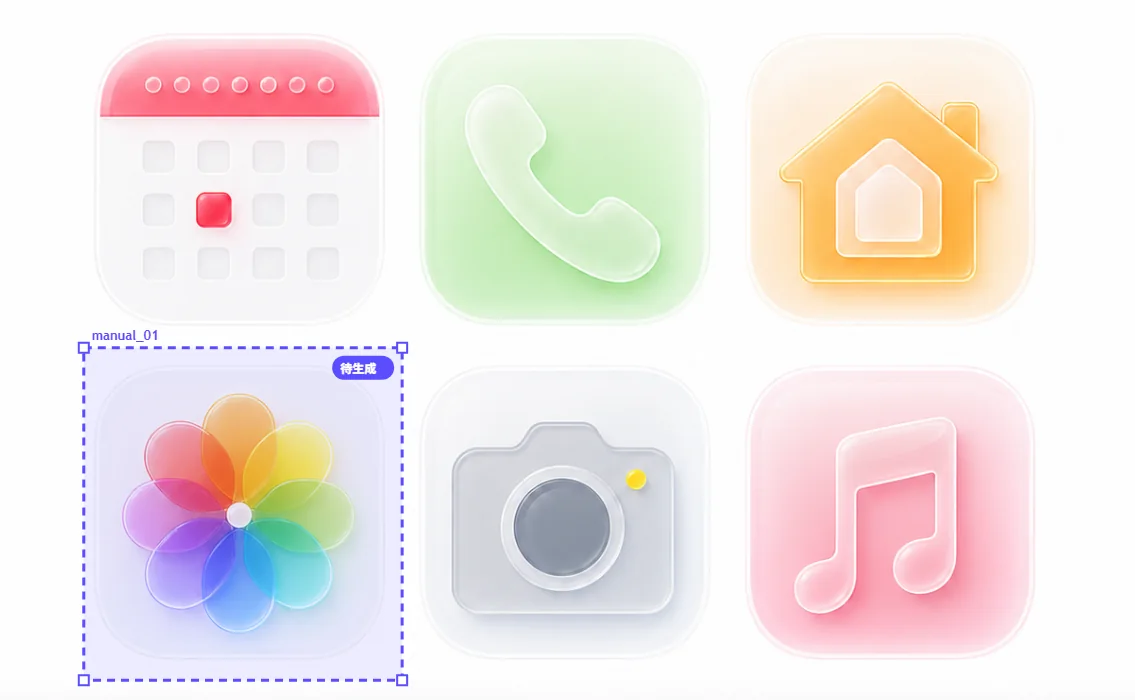
White, black, or other flat backgrounds reduce color contamination at the edges.
Check boundaries against light, dark, and checkerboard backgrounds, then use Standard or Vector smoothing where needed.
Choose one base Output size, add transparent Padding, and generate PNG variants at 1x, 2x, and 3x.