
Same repaired appearance as PNG
PNG and WebP use the same post-Repair raster. Choosing WebP changes the delivery format, not the cleanup settings you already reviewed.
Upload an icon sheet, AI-generated asset board, or design screenshot. IconSplit detects each icon, lets you repair and smooth the raster result, and exports separate WebP files at the sizes you need.
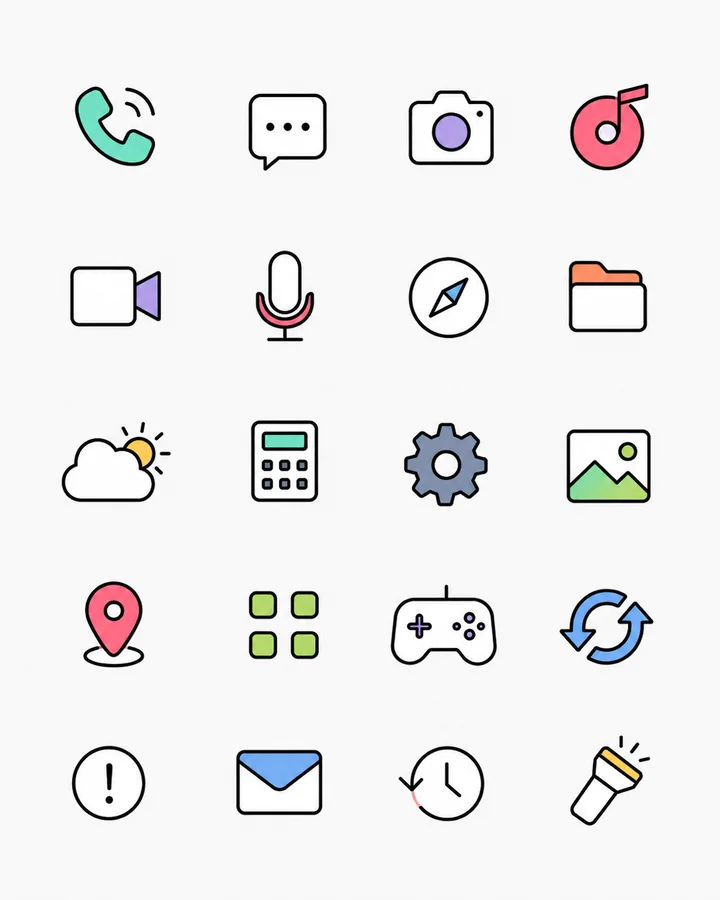
PNG and WebP use the same post-Repair raster. Choosing WebP changes the delivery format, not the cleanup settings you already reviewed.
Keep transparent backgrounds for interface icons, product graphics, and web components.
Choose one base output size and generate the scale variants required by your interface or asset pipeline.
Choose PNG when broad tooling compatibility is the priority. Choose WebP when you want a modern raster delivery format for the web. Both preserve the same repaired appearance, transparency, padding, and output placement.