Split AI icon sheets
Generated icon boards often arrive as one large image. Nibble separates each usable icon so you can keep the set organized.
Nibble turns an icon sheet, AI-generated asset board, or design screenshot into separate icon files. Upload one image, let the app detect each icon boundary, then export clean transparent PNG files or a ZIP.
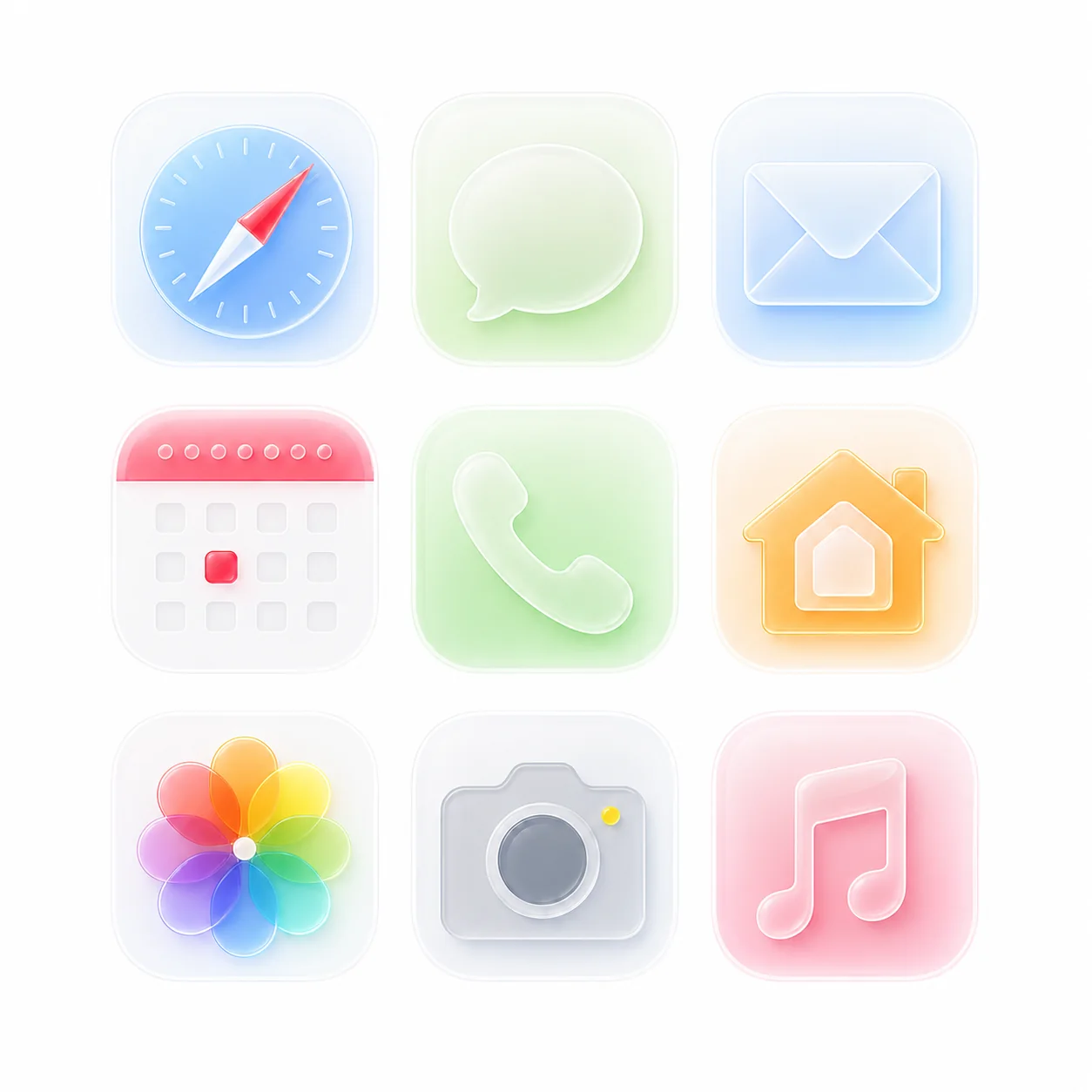
Generated icon boards often arrive as one large image. Nibble separates each usable icon so you can keep the set organized.
When a screenshot or asset board contains several icons, automatic splitting saves repeated crop and export steps.
Each result is prepared as a transparent PNG, with ZIP download available when you need to move a full set at once.
Best for clean icon sheets where icons have enough space between them and the background is simple.
Use manual selection when icons touch each other, contain shadows, or need exact slicing from a crowded image.
White, black, or flat backgrounds reduce edge noise and make transparent PNG export more reliable.